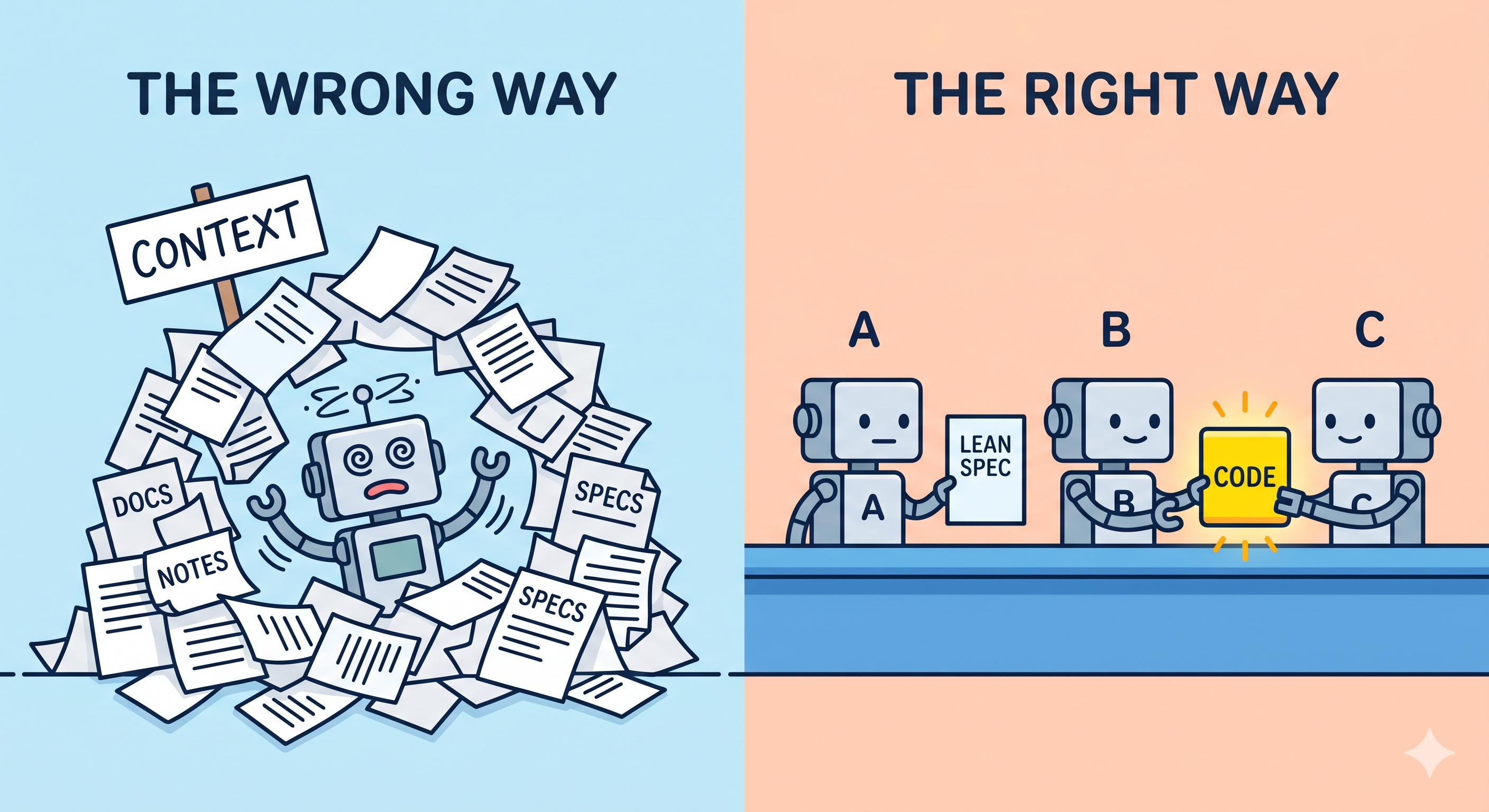
You’ve refined your .md spec files. You’ve added every edge case, guardrail, and historical note you can think of. You expect a masterpiece. Instead, your agent starts hallucinating, ignoring core rules, and hitting a wall.
The hard truth? You’re drowning your agent in noise.
In spec-driven development, there is a dangerous temptation to provide “all the context.” But in the current landscape of LLMs, context bloat is the primary killer of agentic efficiency. If you want high-performance output, you need to stop writing documentation for humans and start architecting context for machines.
The Context “Sweet Spot” and the 100-Line Warning
We often treat context windows like infinite buckets. But even with 100k+ token limits, LLMs still suffer from “lost in the middle” phenomena. When your AGENTS.md or CLAUDE.md files become bloated, the agent’s “attention” is spread too thin.
The most effective context files follow some guidelines:
-
Comprehensive but Lean: While 200-300 lines is often the limit for relatively complex projects, the truth is that anything over 100 lines is a danger zone. As a general rule for most LLMs:
- < 100 Lines: Optimal for high focus and zero hallucination.
- 100-300 Lines: The “Deep Project” ceiling. This works for most mid-sized projects but requires extremely tight, fluff-free writing.
- 300+ Lines: You are likely in “drift” territory. The agent will start prioritizing the bottom of the file or the top, losing the middle.
-
Machine-First Readability: Sacrifice fluff. Use minimum characters and concise bullet points. If a human finds it a bit dense, that’s fine—you can always generate a separate
DOCS.mdfor the team. -
Single Source of Truth (SSOT): Clearly define which file governs the project. However, a SSOT (like
AGENTS.mdorCLAUDE.md) should not be a dumping ground. It should be the High-Level Protocol.Your SSOT should contain:
- High-Level Architecture: The “skeleton” of the project.
- Global Rules: Non-negotiable guardrails (e.g., “Always use TypeScript,” “Strictly follow SOLID”).
- Key Logic: The “why” behind the project’s existence.
Everything else belongs in reference files
Just-in-Time Context: Skills & Snippets
Instead of bloating your main file with sample code or niche implementation details, use a Reference/Skill architecture.
- Reference Files: If you have specific UI patterns or API structures, put them in a dedicated
/docs/reference-snippets.md. - Agent Skills: Define specific tools or “skills” that the agent can invoke to read these files only when needed.
This keeps the main context lean and forces the agent to “pull” information. This “on-demand” approach prevents the agent’s active memory from being clogged with code it isn’t currently writing.
Spotting the “Drift”: When to Prune
How do you know when your context is too heavy? Watch for these technical red flags:
- Execution Loops: If the agent attempts to run the same command or fix the same line multiple times without success, it’s lost.
- Architectural Decay: The agent starts ignoring some rules, dumping too much code into a single file, or creating unnecessary directories.
- Context Seepage: The agent begins reading files that have nothing to do with its current task.
When you see these symptoms, do not add more rules. Instead, compact the conversation. Generate a concise summary of the current state and open a fresh chat window.
Modular Agents > Monolithic Context
The fix for complex projects isn’t a longer spec file—it’s a better delegation strategy. Instead of one agent trying to juggle architecture, coding, testing, and DevOps, break the workflow apart.
For most complex builds, use a specialized ensemble, but don’t over engineer it. A simple architecture like this works for me most of the time:
- The Orchestrator: Manages the high-level roadmap and delegates.
- The Coder: Focused purely on implementation within a narrow scope.
- The QA/Reviewer: A fresh agent with a “critical” mindset to catch errors the coder missed.
This “Art of the Lean Context” ensures your agents stay focused, performant, and—most importantly—accurate.